




















Keep Your Documentation Connected to Bitbucket
Embed up-to-date Bitbucket content directly in Confluence pages, files, diagrams, code, and project data, kept in sync automatically, no copy-pasting required.
Easily embed up-to-date Bitbucket file content
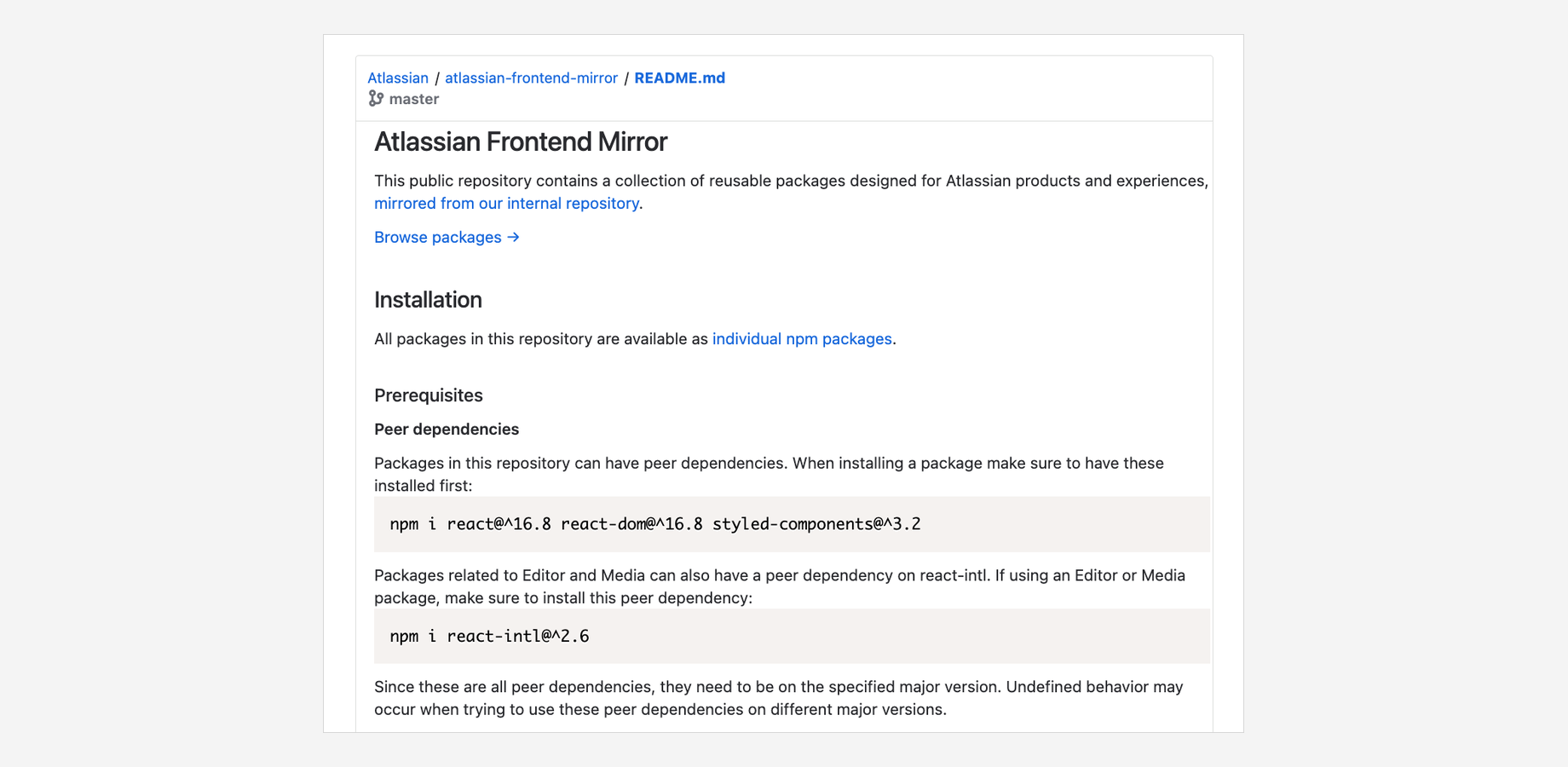
Include Git content securely from Bitbucket Cloud and Data Center. Share up-to-date files, diagrams, code, images, and more just by pasting the file URL into a page. Markdown, AsciiDoc, Mermaid, and PlantUML files are automatically rendered as HTML, with syntax highlighting for source code.
Create project dashboards with Bitbucket data
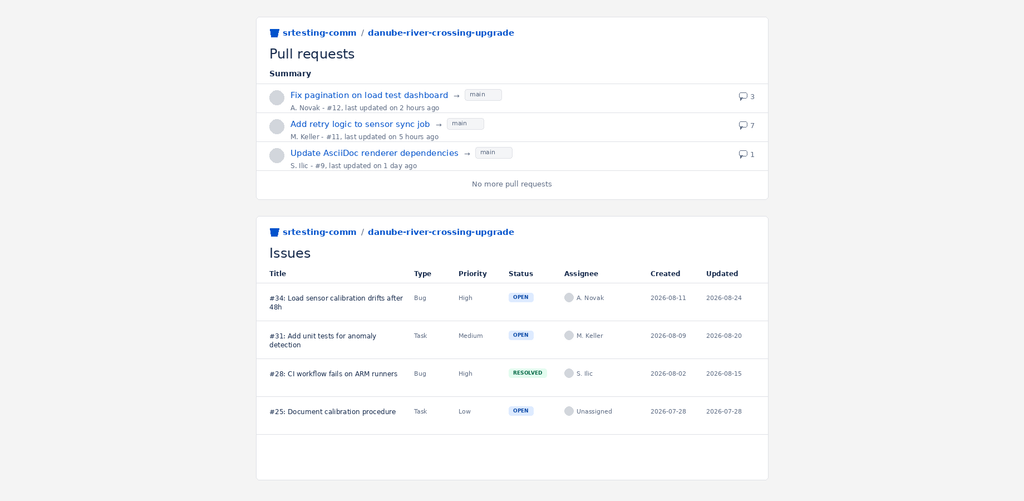
Use Confluence as a project dashboard by including Bitbucket data like pull requests, commits, tags, and branches. Filtering and sorting options let you tailor the dashboard view to your team’s needs.
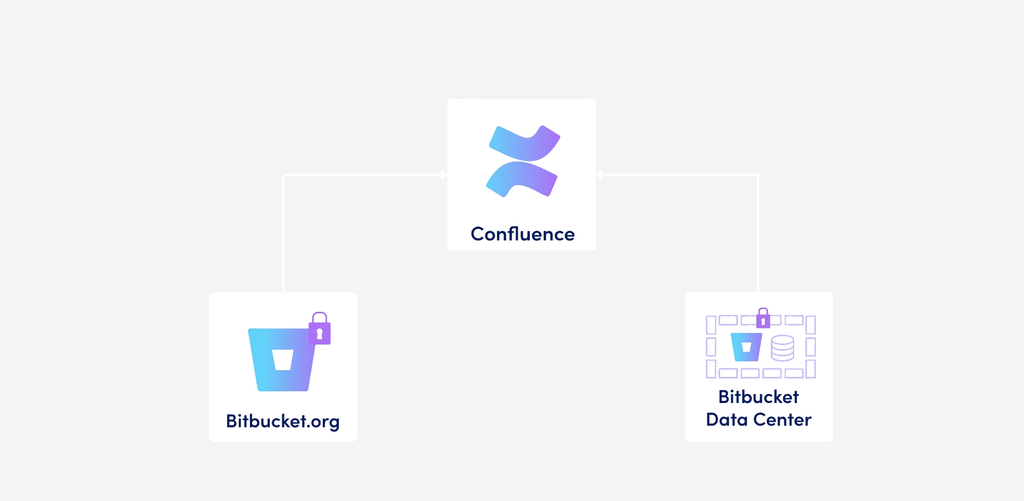
Supports Bitbucket Cloud & Data Center, even behind a firewall
Connect Confluence to either Bitbucket Cloud (via OAuth 2.0 or shared authentication) or Bitbucket Data Center (via access tokens). Even supports Bitbucket instances behind a firewall by providing a static IP that can be allowlisted.
Why use Include from Bitbucket to Confluence?
Include from Bitbucket to Confluence keeps documentation, code, and project data connected, so your Confluence pages never go stale. Reduce duplication, speed up reviews, and give your team one place to see what’s happening in Bitbucket.
Simple inclusion, no duplication
Just copy and paste a Bitbucket URL into a page, the macro does the rest. No manual copy-pasting of file content that goes out of date.
Rich file rendering
Markdown, AsciiDoc, Mermaid, and PlantUML files render as proper HTML with syntax highlighting, PDF/Word export, and Scroll Viewport compatibility.
Built for Bitbucket, cloud or on-prem
Works with Bitbucket Cloud and Bitbucket Data Center, public or private repos, with support for firewalled/
on-prem setups via a static, allowlist-able IP, no need to expose your instance to the open internet