






















Create Confluence pages from Jira issues
Automate documentation between Jira and Confluence, from page creation to real-time updates

Eliminate manual documentation work
Turn Jira work items into Confluence pages automatically, through post-functions or Automation, with labels, comments, and attachments included.
Keep Confluence pages in sync with Jira
When a Jira work item changes, the linked Confluence page updates automatically. Stakeholders read the same information in both tools, and your knowledge base stays current without manual edits.

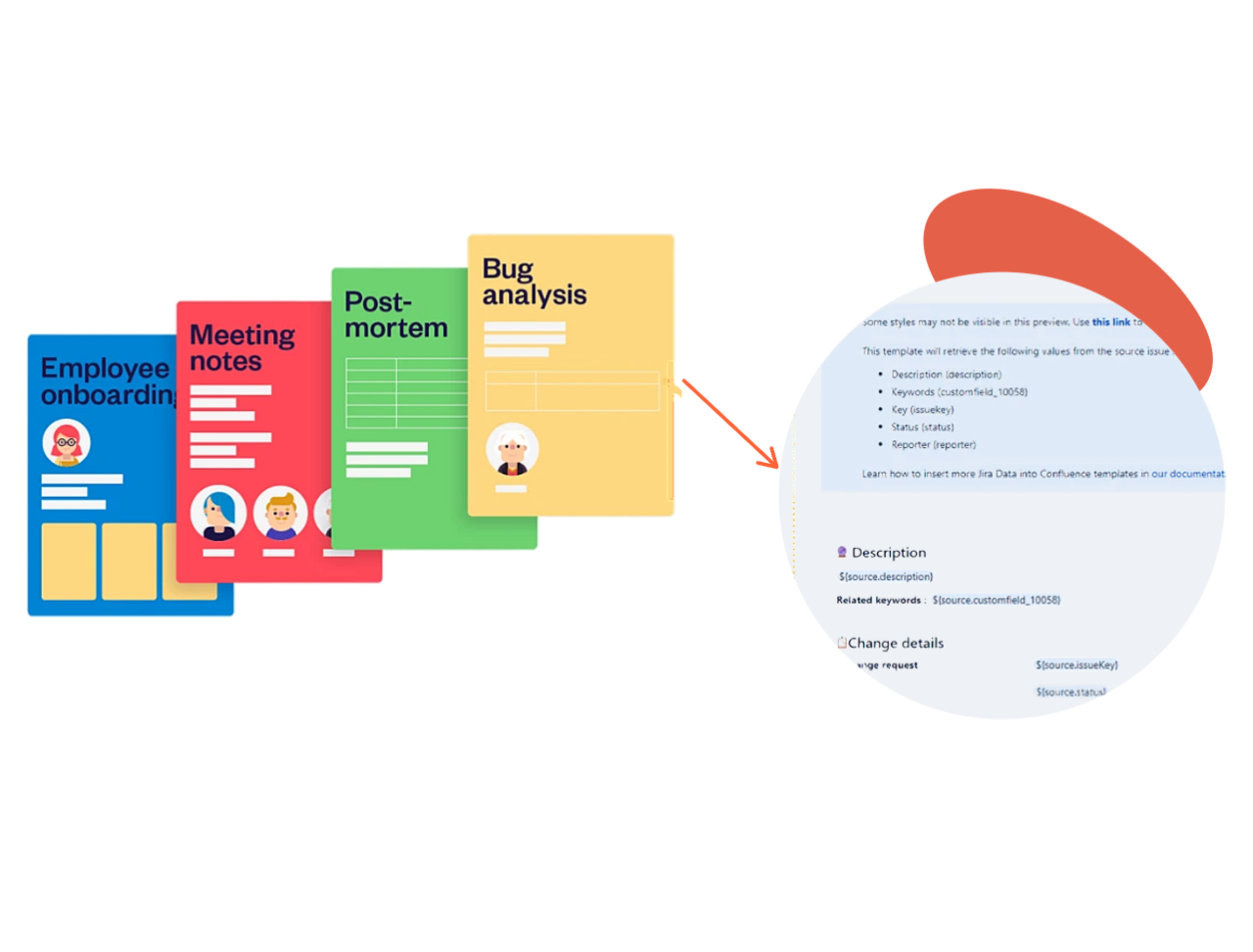
Connect Jira and Confluence with templates
Map Jira issue fields into any Confluence template to generate pages that always follow the same structure, whether for knowledge base articles, project briefs or reports. Jira and Confluence work as one, and your team stops rebuilding layouts by hand.
Why teams turn Jira issues into Confluence pages
A Jira and Confluence integration that keeps the right people informed, without extra work.
Keep information up to date and accessible to every team
Create a Confluence page from any Jira issue. Whether your teams work in Jira or Confluence, they all see the same, current information.
Stop updating pages by hand
Publish syncs Jira and Confluence automatically, so changes made in Jira show up in Confluence without anyone having to compare versions.
Skip the copy-paste and screenshots
Attachments and comments are copied along with the issue, so pages carry the full context from the start.
Keep every page consistent
Build pages from your Confluence templates so every project, release or incident follows the same structure. You also choose the space where pages are created, which controls who can access them.
Automate page creation
Trigger publishing with Jira post-functions or Jira Automation. If a recipe fails, the audit log shows admins exactly why.
Enterprise-grade security
SOC 2 Type II and ISO 27001 compliant, with data residency options and coverage under the Marketplace Bug Bounty program.
Jira and Confluence for every team
See how support, knowledge, product and project teams turn Jira data into Confluence pages that everyone can read
Share incident post-mortems in Confluence
Turn resolved Jira Service Management incidents into structured post-mortem pages automatically. Timeline, impact and root cause are pulled from the ticket, so stakeholders without Jira access understand what happened and what changes next.
Build a knowledge base from Jira
Every solved request or completed task can become a Confluence article. Because pages stay synced with their source work items, your knowledge base grows on its own and never shows outdated answers.
Share product roadmaps with stakeholders
Publish roadmaps, feature details and delivery progress from Jira to Confluence. Sales, customer success and leadership follow what’s coming without asking for a Jira license or a status meeting.
Project management with Jira and Confluence
Keep project status pages and documentation in Confluence, fed directly by Jira. Every stakeholder reads the same up-to-date picture, from kickoff to delivery.