


















Elements Overview for Jira Cloud
Jira work rarely fits in a single item. Elements Overview brings the related work, subtasks and fields your teams depend on into the item they already have open, and onto the customer portal for requesters.
Give customers visibility on escalated requests
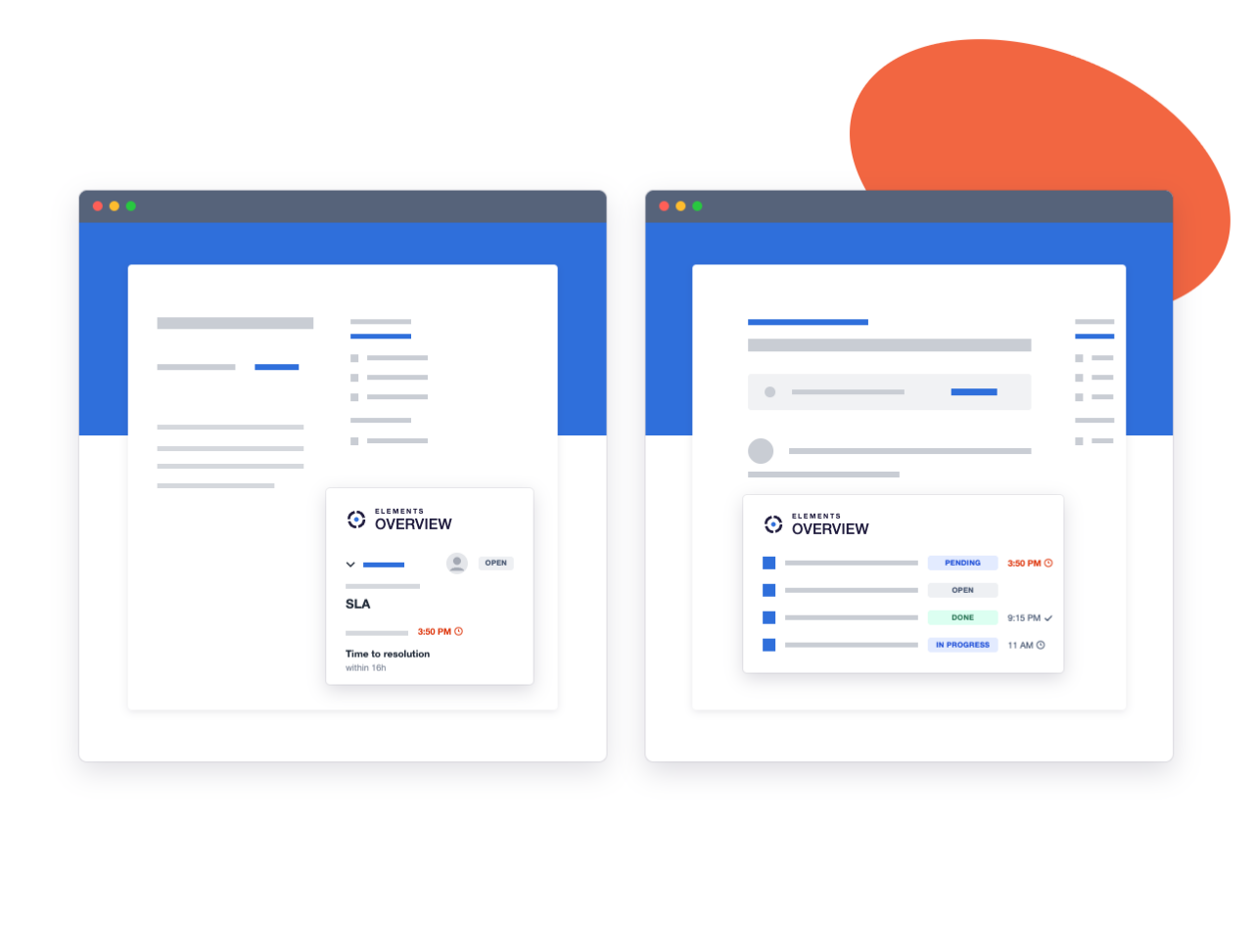
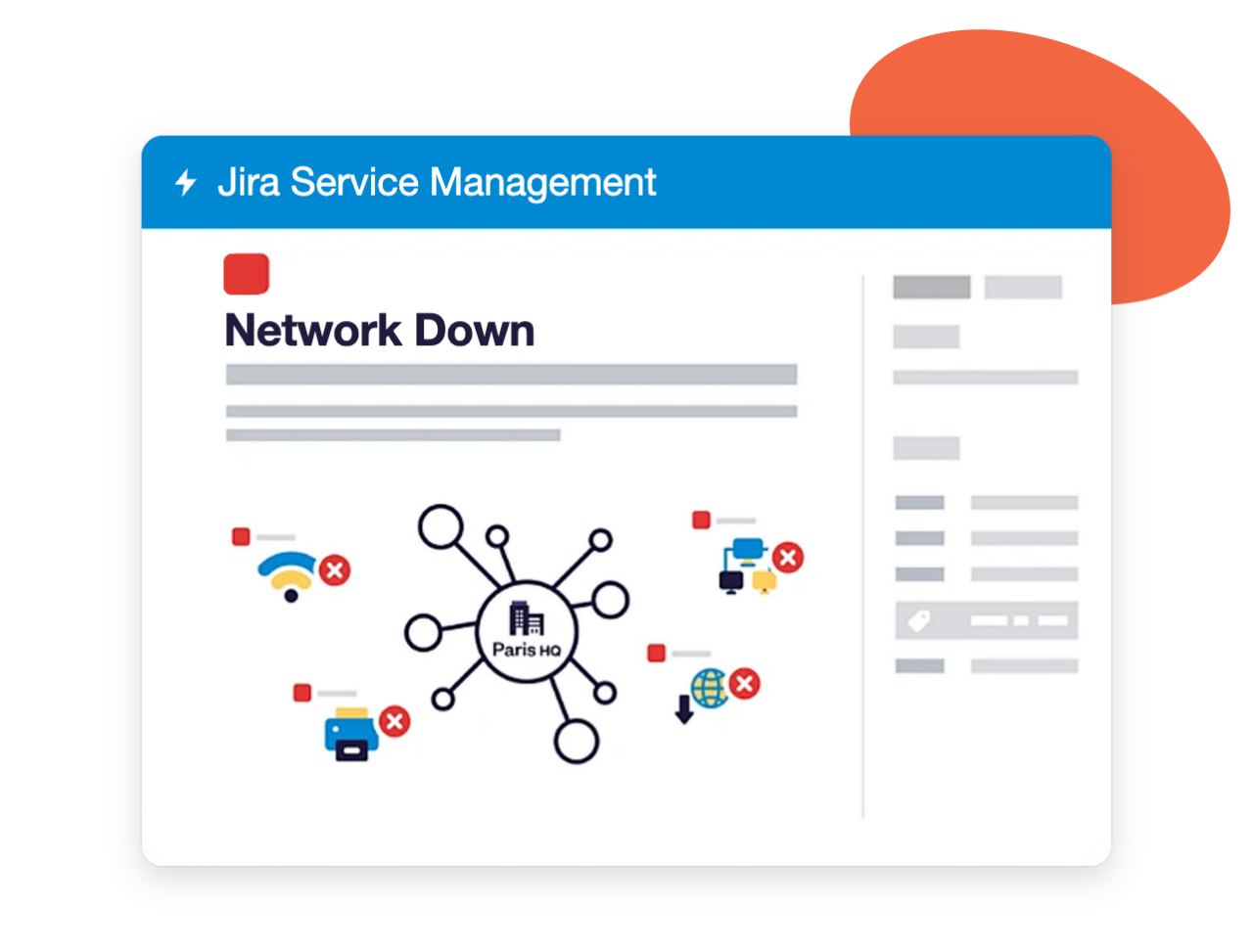
Once a request is escalated to another team, customers usually lose sight of it. Elements Overview puts the SLAs, subtasks, due dates, fix versions and custom fields you choose of that linked work back on the JSM portal, so requesters can check progress without opening a follow-up ticket.
Spot recurring incidents faster with contextual views
Open a problem and find every linked incident in one table, with the fields that matter for triage. Repeated failures stand out well before they become an outage, and your team works on the cause instead of the symptoms.
Edit related issues inline and in bulk
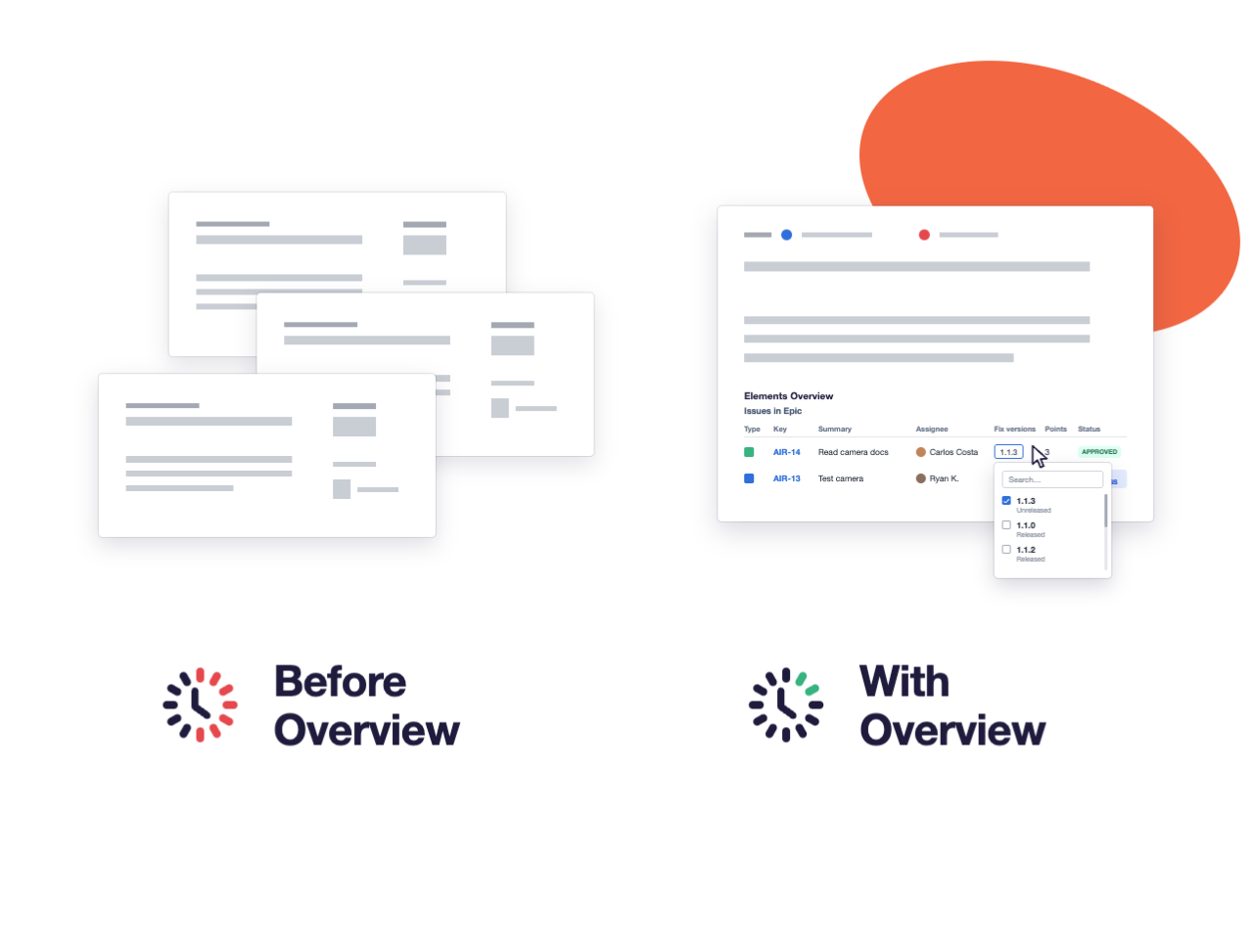
Need to reprioritise a dozen linked items or move them to a new fix version? Change status, assignee, priority, dates or versions from the Overview matrix, one at a time or in bulk. Each change still follows the user’s Jira permissions.
Why teams display related Jira issues with Elements Overview
Give every team the context around a work item, set up for the way they work.
Display related issues, not just linked ones
Use the fields of the current work item to pull in related work automatically: same customer, same component, same epic. No manual linking required.
See the customer’s history in every request
Agents see the other open and past requests from the same customer or organization, so they answer with the full picture instead of starting from zero.
Tailor views to each team and project
One generic panel doesn’t fit every request. Set up a different overview per project or request type, so each team gets the context it needs.
Place views where your teams look
Decide where each view appears in the work item, so key information is visible without scrolling or opening another panel.
Replace dashboards and saved filters
The context your teams used to rebuild in dashboards and JQL searches now lives inside the work item itself.
Enterprise-grade security
Runs on Atlassian, Cloud Fortified, SOC 2 Type II and ISO 27001.
How Jira teams use Elements Overview
See how service, incident and admin teams use Elements Overview in their daily Jira work.
Keep requesters informed without extra tickets
A customer reports a bug that your agent escalates to development. Instead of chasing the dev team for updates, the agent lets the portal do the talking: the linked item’s status, SLAs and subtasks are displayed right in the customer’s request. The customer follows progress directly, and the agent’s queue stays focused on new requests.
See subtasks and SLAs on the JSM portal
Connect incidents to the problem behind them
Several incidents land in the same week, each logged separately. Linked to a single problem, they show up together in Overview with their priority, components and dates. The problem manager sees the pattern at a glance and can bulk-update the linked incidents once a fix is identified.
Spot incident patterns early
One setup, the right view for every team
Admins create views with dynamic JQL to decide which related work items and fields appear, and where. Support sees SLAs, incident managers see linked incidents, and customers only see what you choose to expose on the portal.
Build contextual views with dynamic JQL
Turn request sentiment into better service
With JSM sentiment analysis turned on, Overview can show an agent that an employee’s last tickets were marked negative, or group similar negative requests from across the company. Agents adjust their tone, IT spots recurring issues sooner, and service owners see which internal services frustrate employees the most.
Use sentiment-driven insights