

TL;DR
Translations for Confluence is now powered by Atlassian Forge, delivering faster performance, stronger stability, and improved security for Confluence users worldwide. Manual update required: go to Manage Apps → Translations → Update. Note: some macro nesting limitations may apply due to Forge architecture.
Why Translations has Moved to Forge
Atlassian Forge represents the next generation of app development for Confluence. By upgrading Translations to Forge, we’re giving global teams a modern, cloud-native platform that improves reliability, speed, and scalability.
For organizations using Confluence to manage multilingual workflows, this upgrade ensures smoother content creation, faster page load times, and a foundation built on Atlassian’s cloud-native Forge platform.
Key Benefits of Translations in Forge
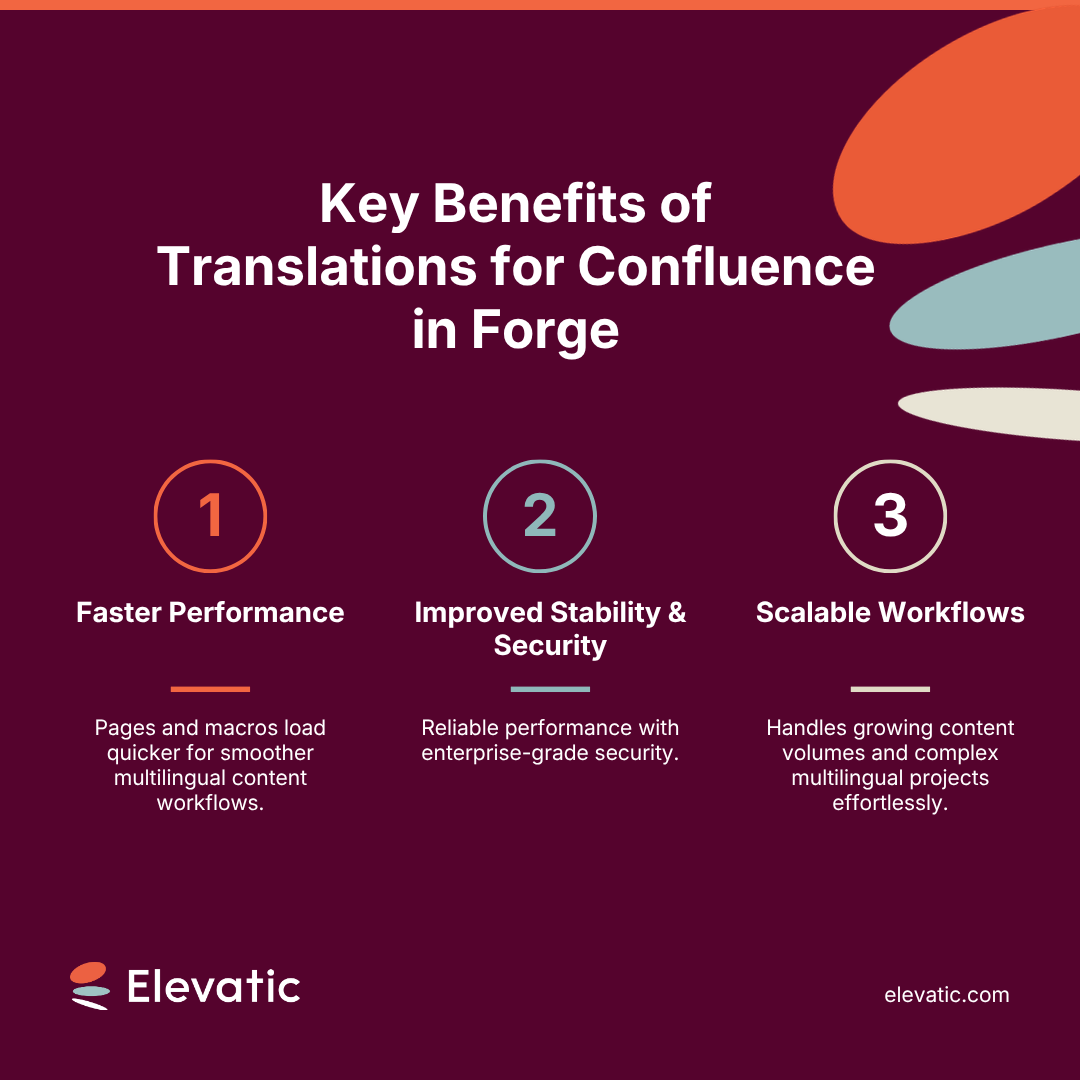
- Faster Performance
With Forge, Translations for Confluence runs more efficiently, enabling pages and macros to load quickly. Large translation spaces now feel lighter, making multilingual content management faster than ever.
- Improved Stability and Security
Forge apps operate within Atlassian’s secure cloud infrastructure, reducing downtime and ensuring consistent behavior. Users gain:
- Reliable performance across all pages
- Predictable execution of language macros
- Enterprise-grade security for multilingual content
- Compatibility with future Confluence updates
- Scalable Multilingual Workflows
The Forge platform allows Translations to handle growing content volumes and increasingly complex workflows. Teams can manage translations in Confluence efficiently, even across large-scale projects with multiple languages.
How to Update to Forge
This upgrade requires a manual update and will not activate automatically.
To migrate:
- Navigate to Manage Apps in your Confluence settings
- Select Translations
- Click Update
Once updated, you’ll benefit from faster, more stable, and secure Confluence multilingual content management.
Have a technical issue or question? Contact our support.
Why This Matters for Confluence Teams
The Translations Forge migration is a major upgrade for organizations managing multilingual content:
- Faster Confluence translation workflows
- Improved reliability for large multilingual projects
- Stronger security and compliance
- Foundation for future improvements
Even with minor macro nesting restrictions, the overall benefits of Forge ensure more efficient, stable, and scalable multilingual content management in Confluence.
Ready to Upgrade?
The Forge version of Translations is available now.
Remember to update by the end of September.
- For existing customers: Simply navigate to Manage Apps → Translations → Update to get started.
- For new users: Try Translations for free and optimize your multilingual content today.