






















Say goodbye to endless scrolling in Confluence
Simplify Confluence navigation with structured, user-friendly tabs, cards, steps, progress bars and dropdowns.
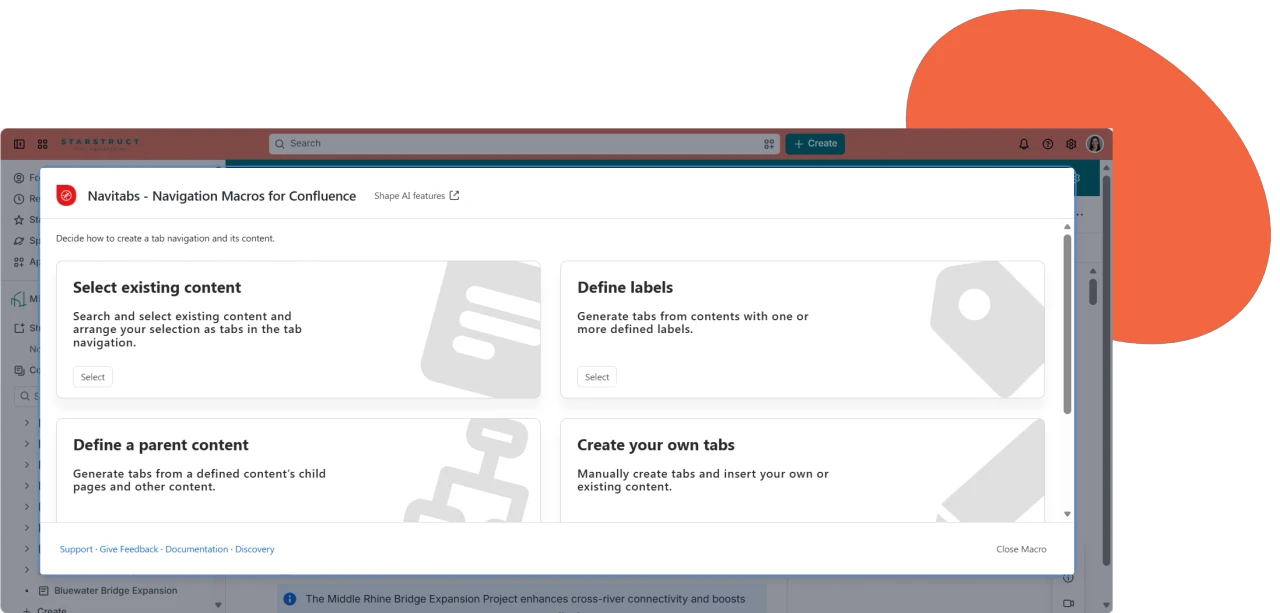
Smarter Content Organization
Organize Confluence Content Efficiently
Use the Tab Wizard macro to structure content efficiently. Create tabs from existing pages, pages with labels and frames, or by typing in your content, making retrieving and understanding complex information easier.
A Navigation Experience Built Around Your Needs
Personalize Your Confluence Navigation Design
Create custom designs that match your CI/CD for all Navitabs macros, ensuring a cohesive and consistent design across your Confluence pages.
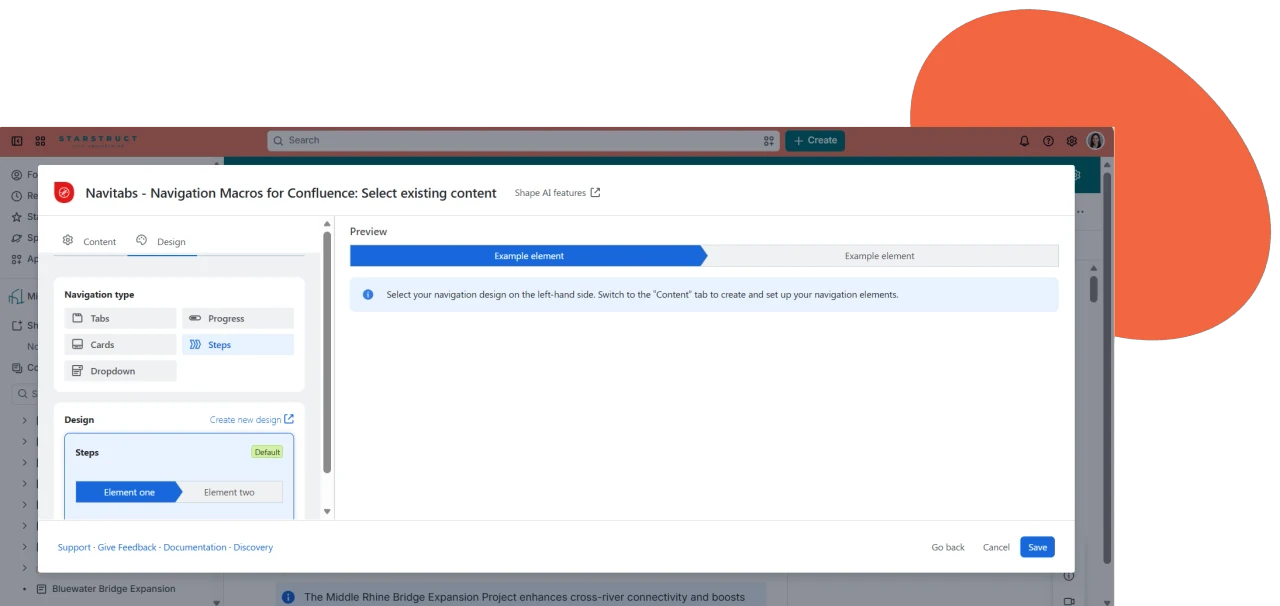
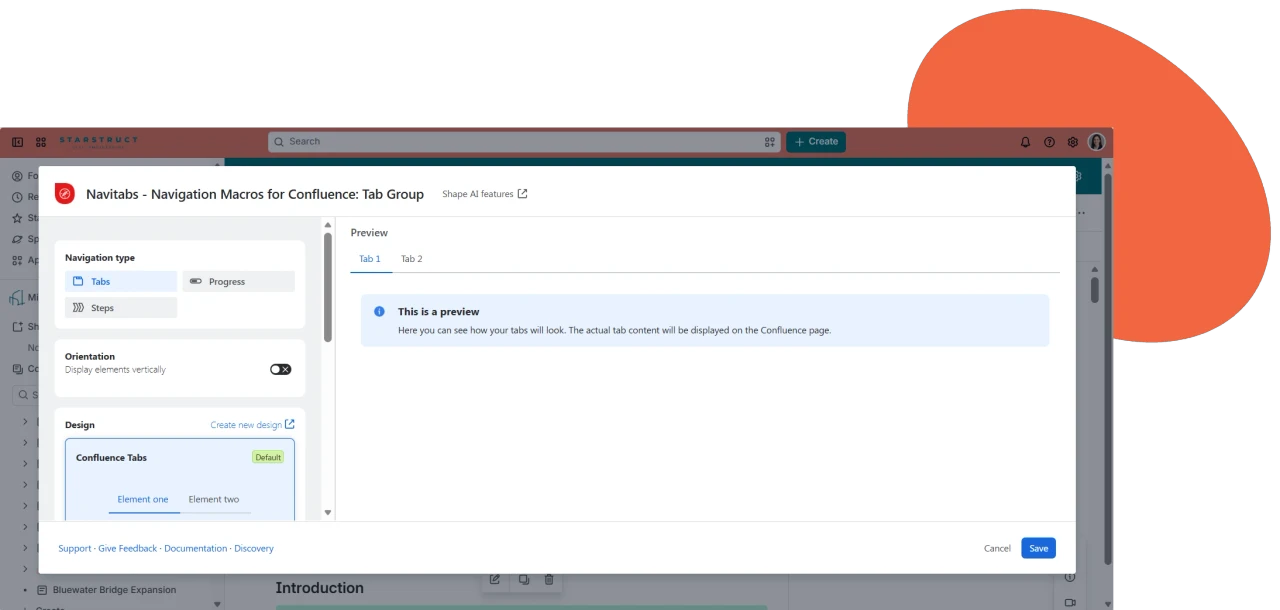
One Tab Group, One Consistent Look
Wrap individual Tabs into a single Tab Group
Stop making readers scroll through walls of content. The Tab Group macro bundles individual Tabs into one organized navigation bar, so visitors click between sections instead of hunting for them. Choose a ready-made design with live preview, or build your own custom look to match your space.
Make content easier to discover
Navitabs – Navigation Macros for Confluence lets you add navigation elements to Confluence pages, organizing your information into clear, digestible sections for a better user experience.
Trusted by Government Cloud
Navitabs meets Atlassian’s FedRAMP Moderate standards and is now fully available on Atlassian Government Cloud, helping federal agencies and regulated organizations organize sensitive documentation with tabs, cards, and dropdown menus.
Built for Isolated Cloud
Navitabs is listed among Atlassian’s Isolated Cloud apps, giving highly regulated teams smart navigation inside a dedicated, single-tenant environment, with no compromise on data isolation or control.
Make long pages manageable
Structure pages into easily digestible chunks of information, and let your readers discover content by clicking on tabs, cards, steps, progress bars and dropdowns.
Fully Customizable Design
Replace the default Confluence tabs style with designs that match your corporate identity — pick a template, adjust colors, dividers, and fonts, and preview it live before you publish.
Navigation That Grows With Your Space
Point the Tab Wizard at a parent page or a label, and it automatically turns every child page or labeled page into its own tab, so navigation stays in sync as your space grows, with no manual upkeep.
One Tab Set, Any Content
Prefer full control? Select the pages, whiteboards, databases, or Smart Links you want, and turn them into one navigable tab set—with hover cards showing breadcrumbs and last-updated info so nobody gets lost.