

Connect people, context, and work in Atlassian
Meridian People & Skills Hub for Atlassian connects Microsoft user data with Jira and Confluence, making structured user information visible directly inside workflows and pages. Teams no longer need to search across systems or rely on assumptions. They see relevant context where work happens and act faster.
Make user roles, responsibilities, and team context visible where work is created and documented.
Speed up task assignment and make work processes more efficient.
Understand ownership across teams and processes.
Work with consistent user data and reduce manual lookups across Atlassian tools.
Why user context matters
Work moves faster when people understand who is involved.
A better people layer for Jira and Confluence

User Profiles for Confluence (Microsoft Attributes Sync)
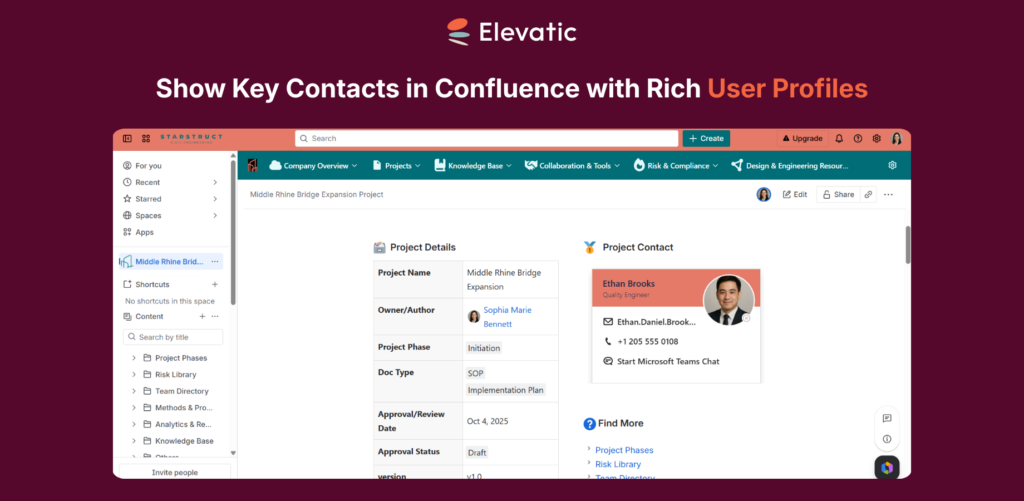
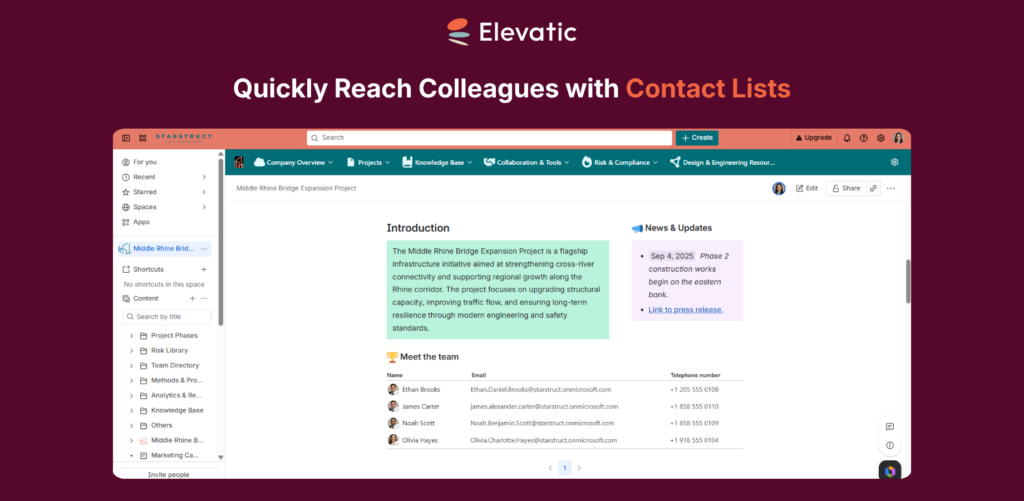
Embed enriched user profile macros in Confluence, synchronized with Microsoft Entra ID (Azure AD), to keep profile data current and enable faster collaboration through easy access to contact details.
Explore More
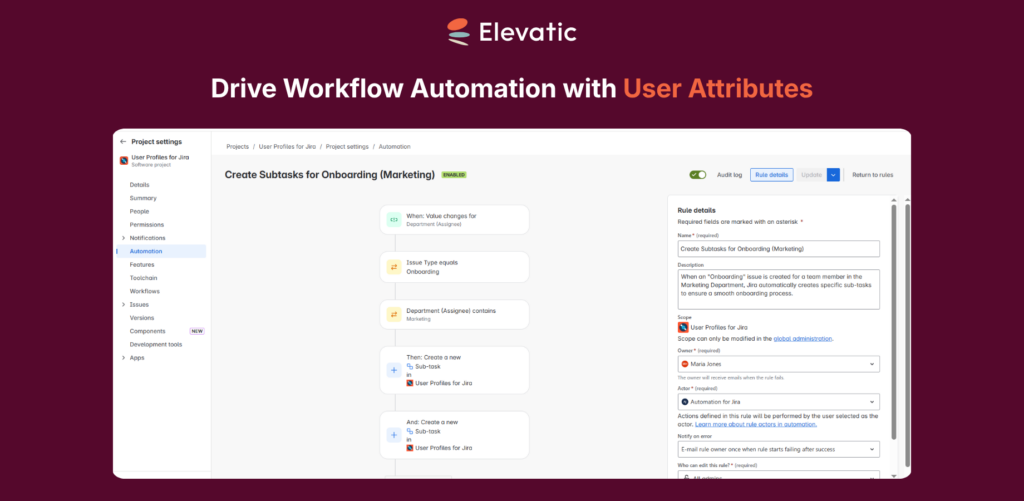
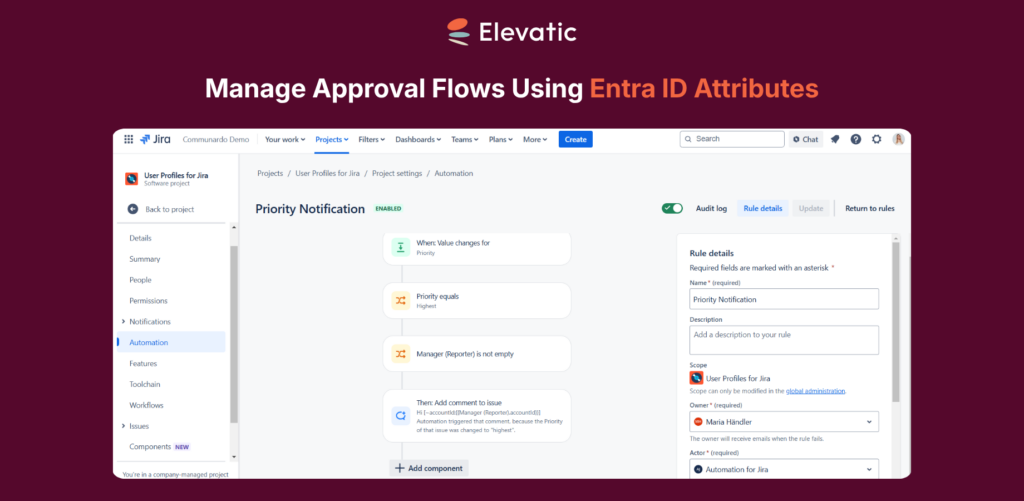
User Profiles for Jira (Microsoft Attributes Sync)
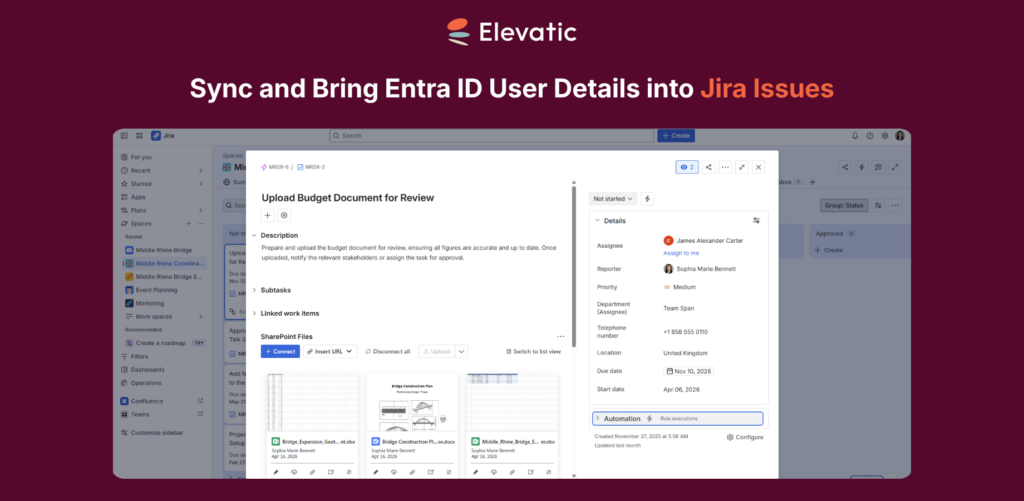
Sync user attributes from Entra ID (Azure AD) into Jira to enrich user profiles with additional information and streamline approval workflows using these attributes.
Where Meridian People & Skills Hub for Atlassian makes an impact
Real examples of how enriched user profiles improves daily work in Confluence and Jira.
Faster task assignment in Jira
Teams often struggle to decide who should take a new task because user information is scattered across different systems. With Meridian People & Skills Hub for Atlassian, relevant user data such as role, department, location, manager and team is visible directly in Jira issues when work is created or reviewed. This allows teams to assign tasks without switching tools or asking colleagues for clarification.
Result
Faster task assignment, fewer reassigned issues, improved work processes.

IT support and request handling
Support teams frequently lack context about the requester, making it harder to route and prioritize tickets correctly. With structured user data from Microsoft visible in Jira Service Management, teams can see key details like department, role, and location directly in the request. This helps support teams understand the context of each request immediately.
Result
Better ticket routing, reduced back-and-forth, faster resolution of requests.

Onboarding and organizational understanding
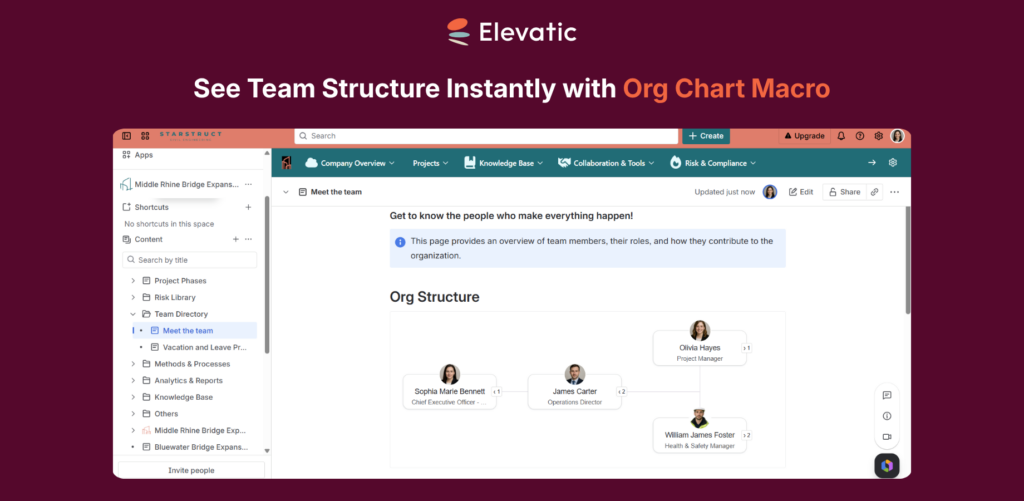
New employees often need time to understand who is who in the organization and how teams are structured. With consistent user data available in Confluence, roles, departments, and team structures become visible in context while navigating work and documentation. This helps new employees orient themselves faster across tools and teams.
Result
Faster onboarding, quicker understanding of team structures, reduced dependency on internal explanations.

Identifying project owners and responsible teams in Confluence
Confluence pages often lack clear visibility on who owns a project or which team is responsible. With enriched user profile macros from Microsoft Entra ID, users can see project owners, departments, and contact details directly in context and reach the right person immediately.
Result
Faster identification of project owners and responsible teams, direct contact without system switching, and improved clarity across cross-functional work.

Built on Security and Trust
Cloud Fortified
Both apps meet high cloud security standards.
Compliant & Certified
GDPR, CCPA, and ISO compliance ensure your data stays protected.
Trusted Expertise
Delivered by an Atlassian Platinum Marketplace Partner